
Saved files follow the disk
Reopen complete saved text from disk, keeping unsaved recovery text separate. If an original cannot be read, available cached text opens in a Recovered tab.
On Edit
OnEdit 7.0 reloads saved text from disk, keeps unsaved recovery separate, and brings native Liquid Glass controls with a deliberate choice when closing multiple drafts.
OnEdit 7.0 is available now on the Mac App Store.
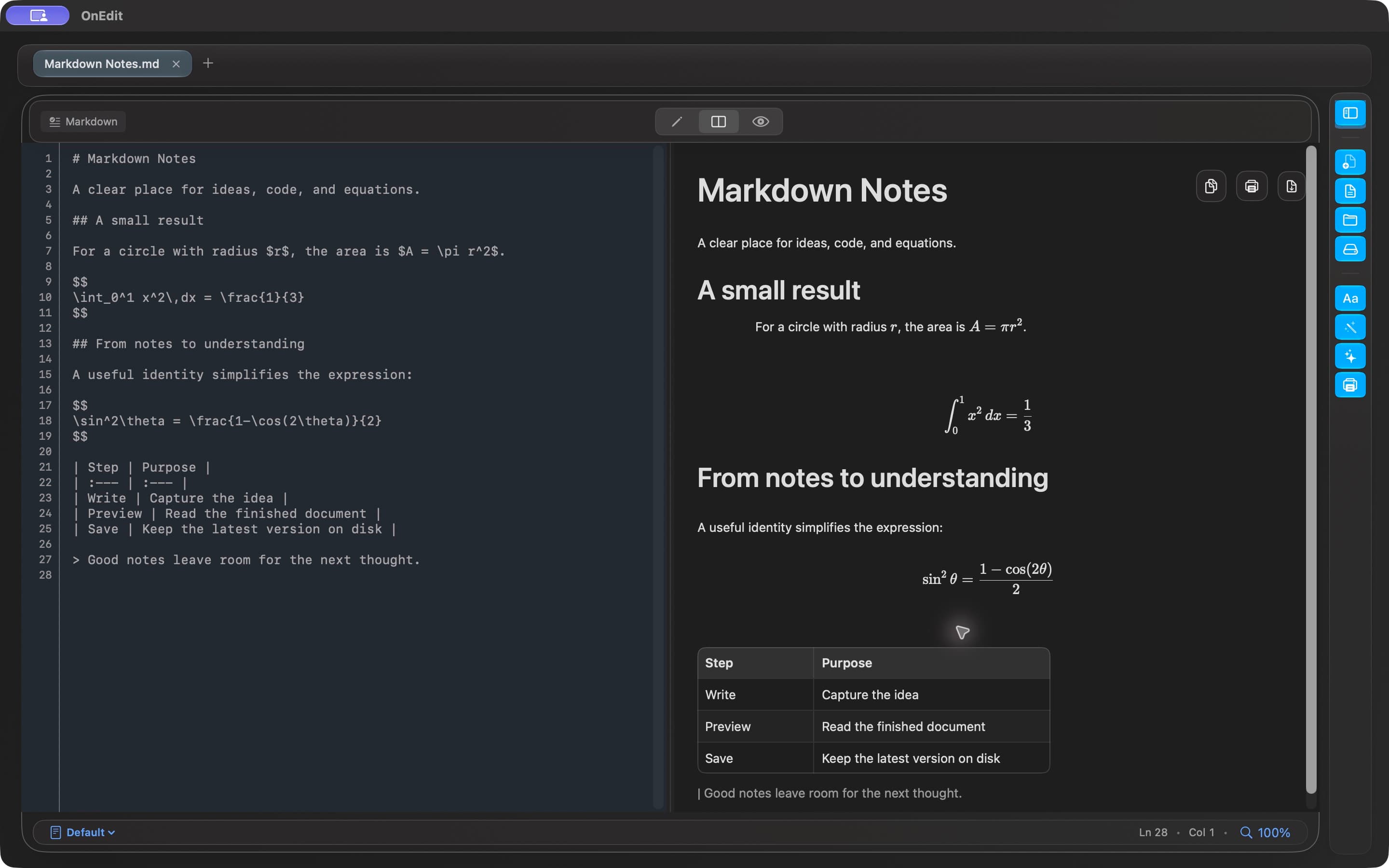
OnEdit 7.0 · Available now
Available now on the Mac App Store.
Reopen complete saved text from disk, keeping unsaved recovery text separate. If an original cannot be read, available cached text opens in a Recovered tab.
Toolbar and tabs gain native Liquid Glass controls, with separate selection and Close actions and keyboard focus.
When multiple unsaved files remain in a close operation, a warning and remaining-file count ask you to confirm, with Cancel as the default.
Keep Markdown previews, Quick Notes, and real-file workflows on macOS 26 or later, on Intel and Apple silicon Macs.
OnEdit 7.0 · Development preview
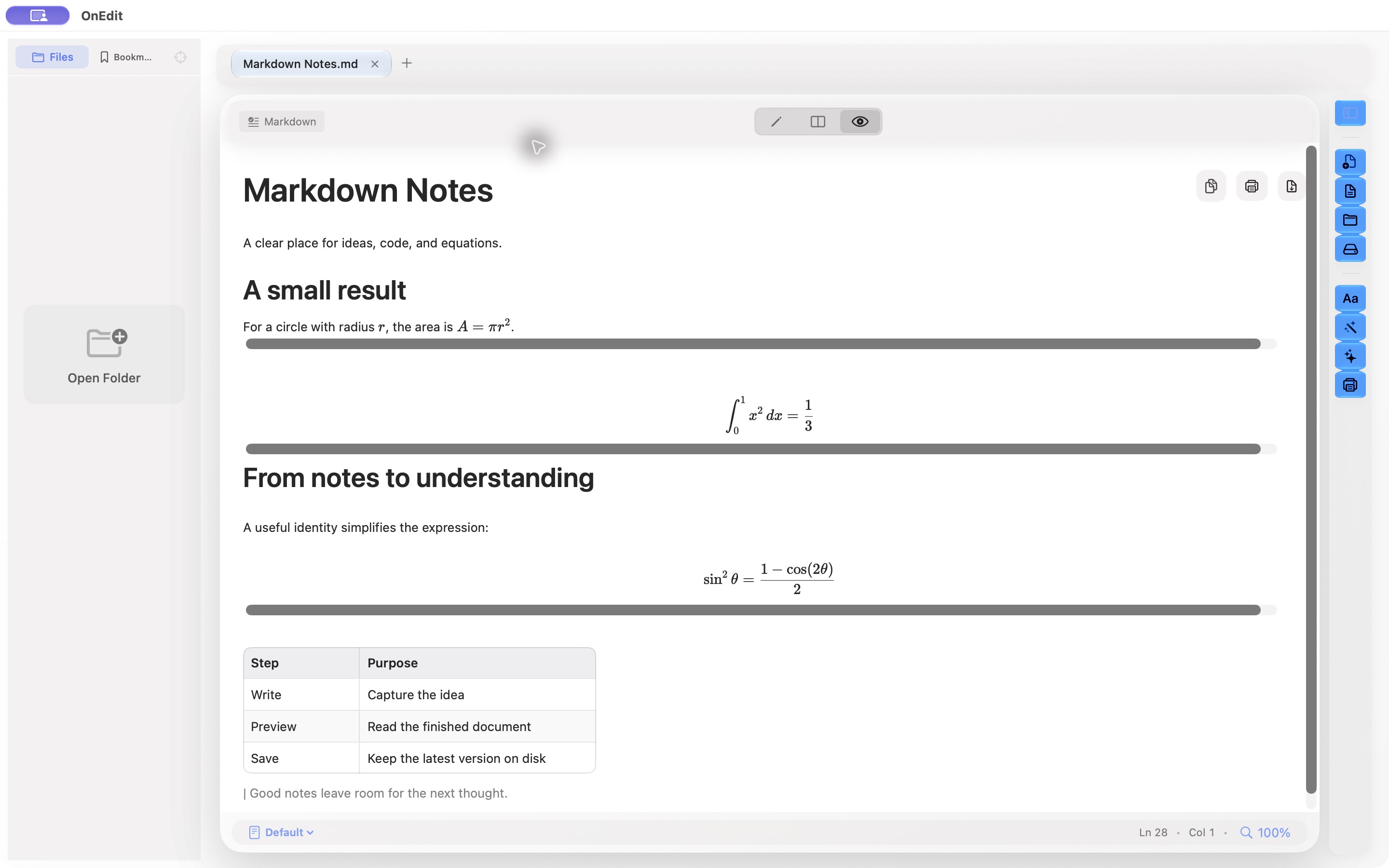
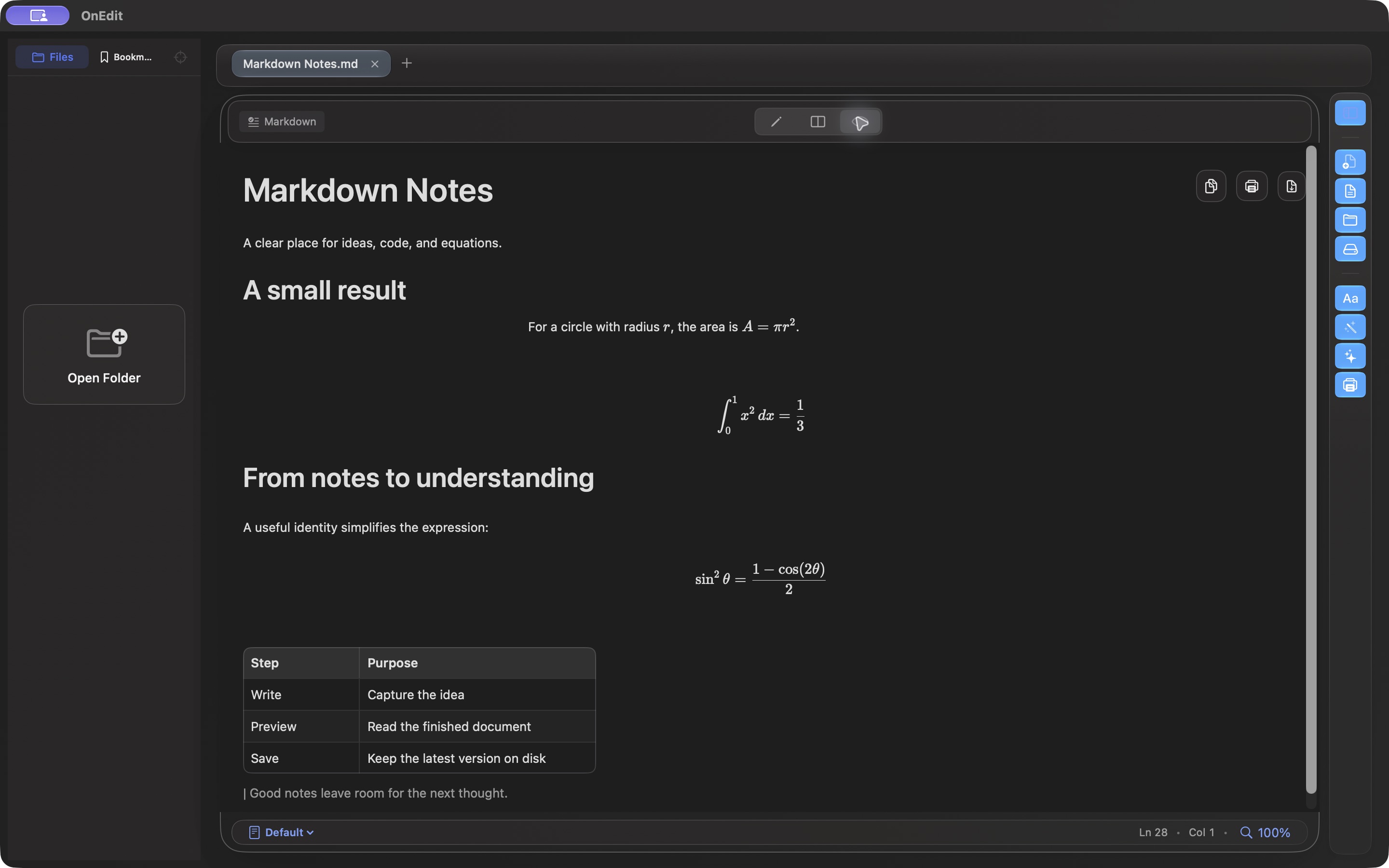
Default Markdown paper follows Light and Dark, with math that blends into the page as you resize. Custom papers keep their colors.
The OnEdit foundation
OnEdit remains a focused native workspace for text, code, previews, local execution, and real files—whatever the next release adds.
Explore the full user guideOpen real files in tabs with practical syntax highlighting, Search & Replace, column selection, and Starter Templates.
Open a folder as a workspace, move between Files and Bookmarks, reveal paths in Finder, show hidden files, and pick up external changes.
Preview Markdown, HTML, and CSV alongside PDF, images, SVG, video, and Office documents, with local media support.
Render Mermaid and offline LaTeX, then execute code blocks in the Markdown Workbench when the action is trusted, user-initiated, and local.
Print and Export PDF preserve local images, math, Mermaid diagrams, and trusted Workbench output and receipts.
Choose Light, Dark, or System appearance, shared backgrounds, 50–300% scaling, and Presentation Mode.
One note · three working modes
The note changes where it is presented, not what it is. Manager, editor tab, and Sticky Note all coordinate around one local note.
Capture and manage
Create a rich local note, then find it with search, tags, Favorites, Archive, or Recently Deleted.
Develop the idea
Open in Editor moves the same note into a rich .onedit tab beside your text and code files.
Keep it nearby
Make Sticky floats the note above normal windows. Back to Quick Notes returns it to the library.
Native where it matters
One native editor keeps JSON and HTML implementation details out of the way. Style text, add lists, choose fonts and color, or copy as rich or plain text using familiar Mac controls.
Manager, rich tab, and Sticky Note share one autosave session per note. When a tab owns the editor, the manager links to it instead of opening a competing editor. Command-S flushes pending changes.
Notes are versioned .onedit JSON files stored locally—no SQLite, account, sync server, tracking, or active Web content path. Save As can produce portable .onedit, Plain Text, or HTML.
Sticky Notes stay editable and focusable above normal windows. Frameless mode is reversible, and each note remembers its local position and size.
Built into OnEdit
Synchronized Edit and Preview scrolling remains stable across long documents.
The Files sidebar notices workspace changes automatically.
Existing installations migrate to the plain default background while themes remain available.
Transformed and clipped SVG artwork now keeps its intended bounds.
Available today
Download the current release for Side by Side Preview, Markdown table editing, Quick Notes and Sticky Notes, smoother rendered documents, safer recovery, and steadier large-file workflows.