
Side by Side Preview
Markdown, HTML, and CSV keep source and rendered output visible together with synchronized scrolling and a remembered per-tab split.
Current Release
Available nowOnEdit 6.1 is available now on the Mac App Store. It adds focused source-and-preview workflows alongside a substantial performance, reliability, and recovery update.
The current release builds on OnEdit 6.0 and preserves its Quick Notes, rich .onedit tabs, Sticky Notes, and complete native editing workspace.
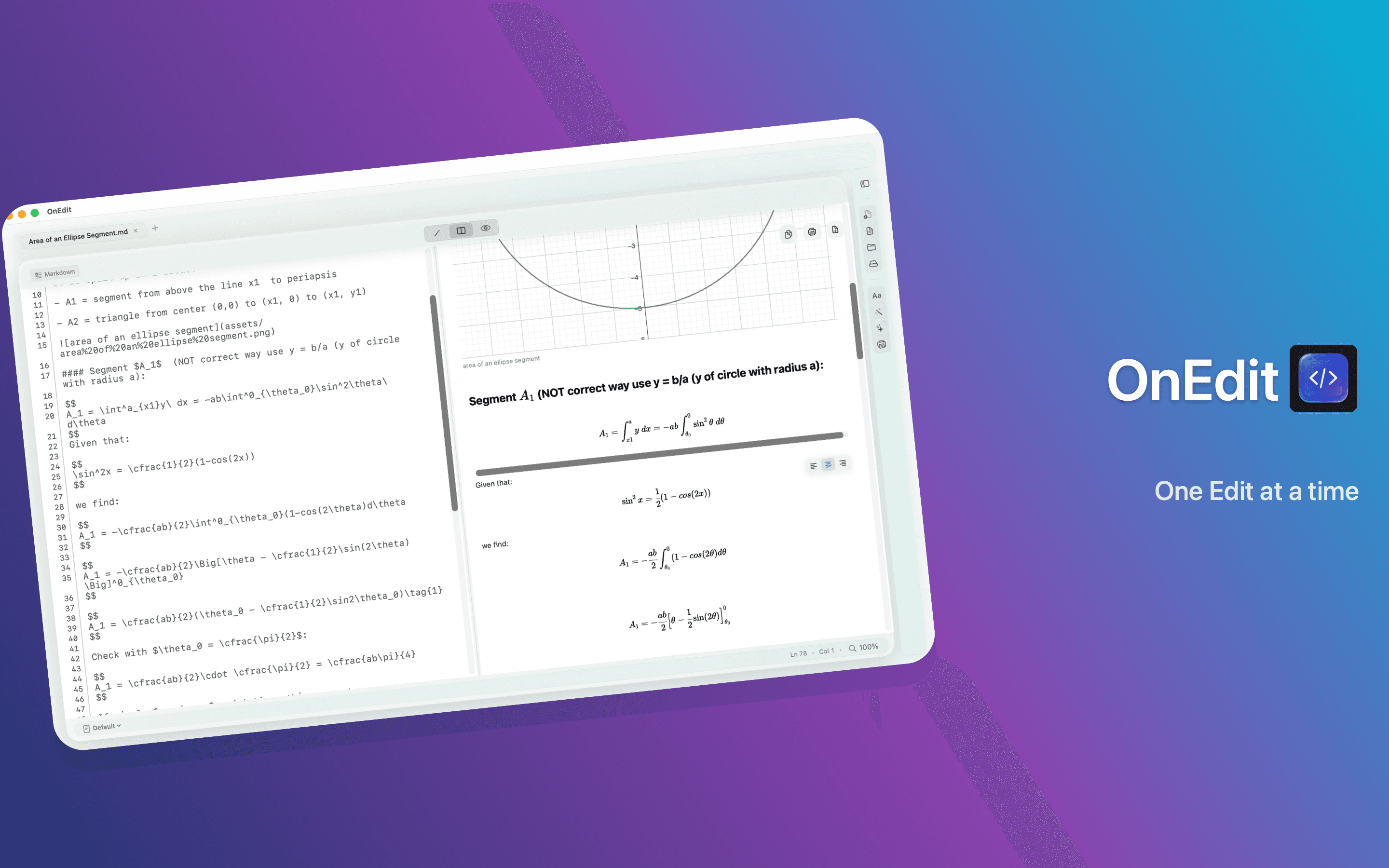
Markdown, HTML, and CSV keep source and rendered output visible together with synchronized scrolling and a remembered per-tab split.
Native pipe tables can be formatted and edited with undoable actions from the Table menu, source context menus, and rendered Preview cells.
Cached math, diagrams, and local images bring less flashing and steadier scrolling and sidebar resizing.
More resilient save, quit, recovery, and external-change paths help protect documents. Bookmarked PDF errors offer Try Again and Locate File for explicit user reauthorization instead of leaving a blank preview.
Bounded resource use helps large files, structured previews, searches, and exports stay within practical limits.
PDF page controls remain easier to distinguish across appearances while moving through multipage documents.
Five-plus-digit line numbers remain visible instead of being clipped when editing large files.
Previous public release
Released July 26, 2026, OnEdit 6.0 brought one local note from the Quick Note Manager into a rich workspace tab or a floating Sticky Note without creating competing editable copies.
The public release line moved directly from OnEdit 5.0 to 6.0; OnEdit 6.1 now builds on that Quick Notes foundation.
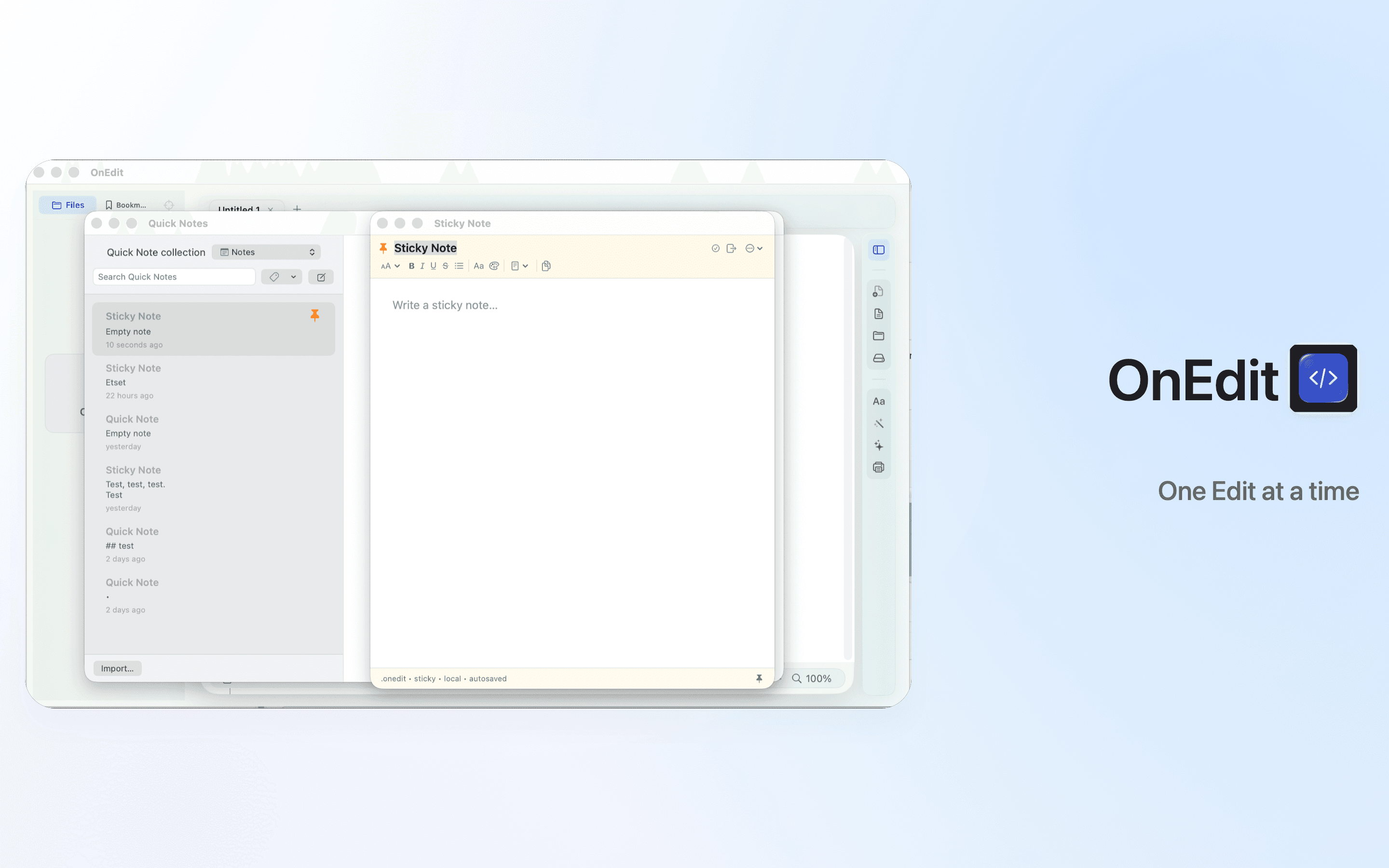
Quick Notes are app-owned, versioned .onedit JSON files stored locally. They do not use SQLite, an account, a sync server, tracking, or an active Web content path.
The default editor hides JSON and HTML details while supporting style, bold, italic, underline, strikethrough, bullets, fonts, text color, rich or plain-text copy, shared Background themes, and adaptive automatic ink in Light and Dark.
Search, tags, Favorites, Archive, and Recently Deleted keep the library organized. Deleted notes can be restored or deleted permanently, and automatically expire after 30 days.
Manager, main-editor .onedit tabs, and Sticky Notes share one autosave session per note with one editable owner at a time. App termination flushes pending Quick Notes before normal tab handling.
Open in Editor moves the same note into a rich .onedit tab beside text and code files. The manager links to the owning tab, Command-S flushes changes, and the tab can return to Quick Notes or become sticky.
Save As exports portable .onedit, Plain Text, or HTML. Finder and Open With import an external .onedit into the local library and open the imported rich tab; OnEdit does not silently edit the external source in place.
Sticky Notes float above normal windows, remain focusable and editable, support reversible frameless mode, remember each note’s local frame, position, and size, and can return to Quick Notes.
Long Markdown synchronized scrolling is more stable, the Files sidebar refreshes automatically, the default background migrates to Plain, and transformed or clipped SVG rendering is repaired.
Previous public release
Released July 18, 2026, OnEdit 5.0 connected source, preview, export, and file management in a more complete native workspace.
Markdown Workbench remains explicit, trusted, user-initiated local execution. Trust is scoped to the current workspace or document origin, and runtime availability follows the local environment.
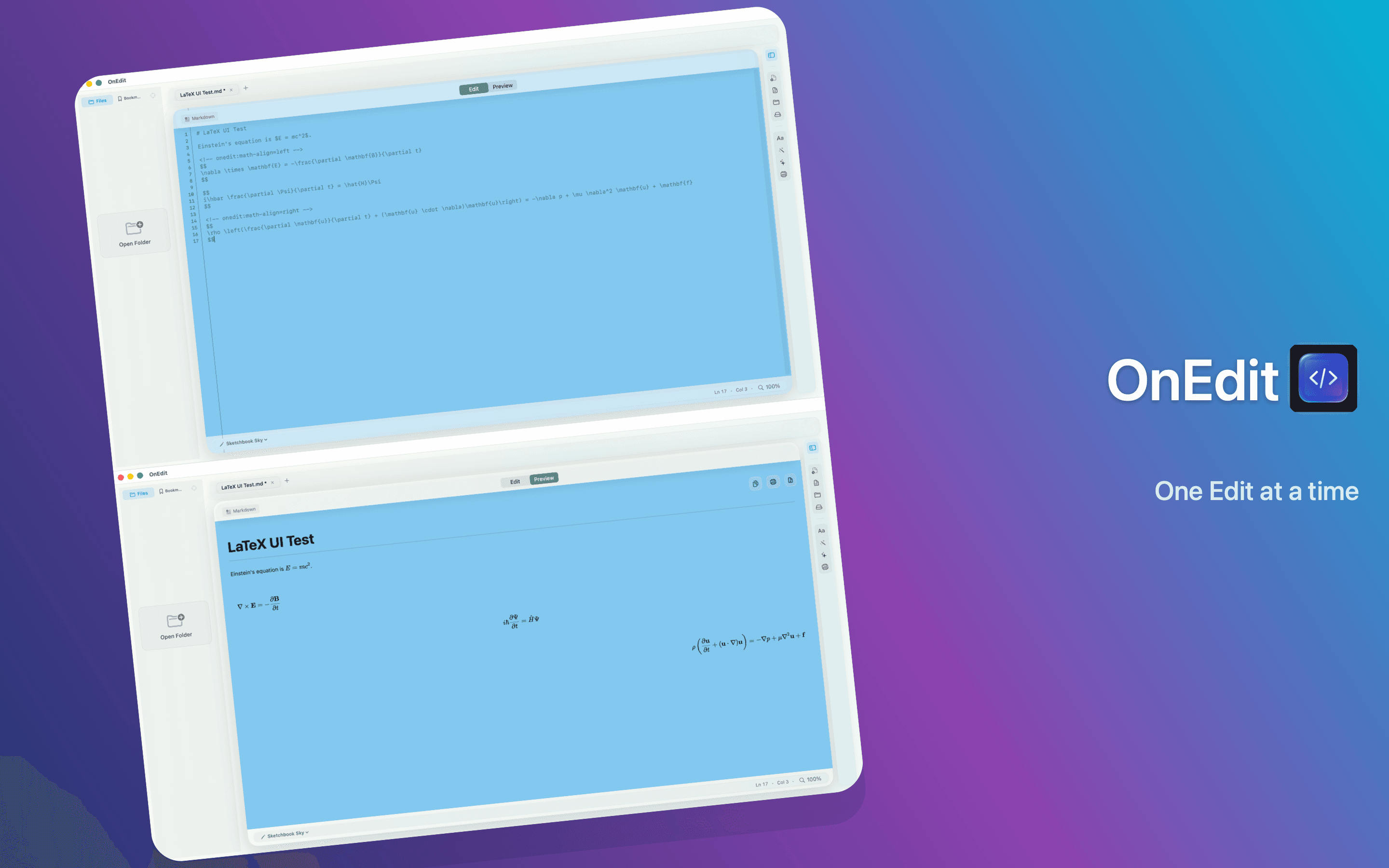
Bundled KaTeX renders inline and display math locally in Markdown. .tex and .ltx files open as editable source with dedicated highlighting; full-document compilation and PDF preview are outside this release.
Print or export rendered Markdown and HTML as PDF while preserving local media, math, Mermaid diagrams, and current Workbench output and receipts.
Markdown and HTML keep the proportional reading position synchronized while moving between Edit and Preview, including HTML Native and Web renderers.
Create extension-aware starter documents for 17 common text, code, and document formats, including Markdown, HTML, LaTeX, JSON, SQL, Swift, Python, and Shell.
Refresh an open folder without losing expansion state, handle external reloads and edit conflicts explicitly, reveal the active file, and reach Copy Path or Reveal in Finder from more places.
Sketchbook Glass becomes the warmer default with improved contrast, while app-owned controls, spacing, panels, and the sidebar respond to the 50–300% document scale.
SVG files open as read-only image previews, and PDF Preview adds current and total page status with previous, next, and direct-page navigation.
Control-H/J/K/L movement, a quick plus-tab action, stable syntax colors during cursor movement, and editor edge-case fixes make everyday editing smoother.
Archive
Previous public release notes remain here as a complete reference.
OnEdit 4.0 focuses the app around richer local previews, safer Markdown execution, JSON Lines support, and polished presentation workflows.
Smart Actions, movable editor tools, dirty-tab markers, and explicit window sizing.
Mermaid preview export, SQL file handling, and smoother multi-window opens.
Markdown Workbench, Copy History tools, interface refinements, and faster editing.